
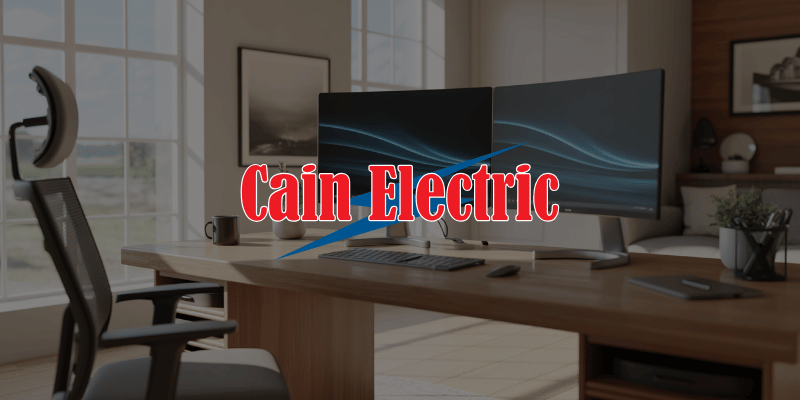
Upgrading Electrical for a Home Office in Missouri

Working from home is no longer temporary for many families in Pacific, Gray Summit, Union, Eureka, and across Franklin County.
What used to be a laptop on the kitchen table has turned into dedicated home offices with multiple monitors, printers, routers, charging stations, and lighting.
The problem is this:
Most older Missouri homes were never designed to support a full-time office environment.
If your home office setup includes frequent breaker trips, dimming lights, or warm outlets, your electrical system may need an upgrade.
Here is what to consider when upgrading electrical for a home office.
Why Home Offices Increase Electrical Demand
A typical modern home office can include:
- Desktop computer
- Dual or triple monitors
- Printer
- Router and modem
- Desk lighting
- Charging stations
- Space heater or fan
- Secondary devices like tablets and laptops
Individually, each device may not seem significant. Together, they create continuous electrical demand throughout the day.
Unlike kitchen appliances that cycle on and off, office equipment often runs for hours at a time.
That steady load can expose weaknesses in older wiring and limited circuits.
If you are unsure whether your system can support a dedicated office, a residential electrical evaluation is a smart first step:
https://www.cainelectricstl.com/residential-electrician/
Adding a Dedicated Circuit
One of the most effective upgrades for a home office is installing a dedicated circuit.
A dedicated circuit ensures:
- Your office equipment is not sharing power with other rooms
- Breaker trips are less likely
- Voltage remains stable
- Equipment is protected
In older homes in Union and Pacific, bedrooms and living areas often share circuits.
Running high-demand office equipment on shared circuits can lead to overload.
Preventing Flickering and Voltage Drops
If your lights flicker when your printer or space heater turns on, your circuit may be close to its limit.
Voltage drops can:
- Reduce equipment lifespan
- Cause computer shutdowns
- Interrupt internet connectivity
- Create frustration during meetings
Proper load balancing and circuit separation can eliminate these problems.
Surge Protection for Sensitive Equipment
Home offices contain expensive electronics.
Missouri storms and lightning activity increase the risk of power surges.
A single surge can damage:
- Computers
- Routers
- Modems
- Monitors
- External hard drives
While power strips offer limited protection, whole-home surge protection offers broader coverage.
If your home has experienced previous storm-related electrical issues, professional evaluation may help prevent future equipment damage:
https://www.cainelectricstl.com/storm-damage-repair/
Outlet Placement and Accessibility
Many older homes lack sufficient outlet placement for modern office needs.
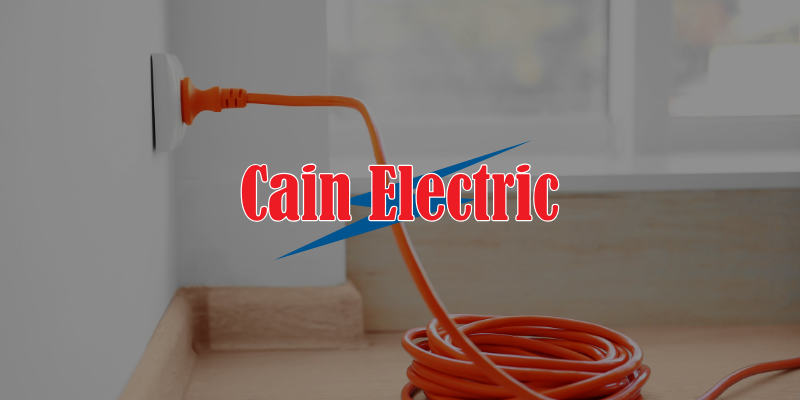
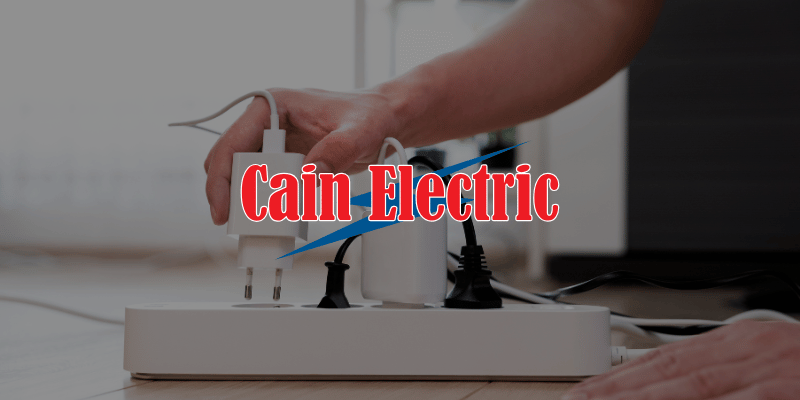
Extension cords and power strips quickly multiply when outlets are scarce.
This creates:
- Trip hazards
- Overloaded receptacles
- Increased heat buildup
Upgrading outlet placement improves both safety and convenience.
Consider adding:
- Additional wall outlets
- Outlets near desk height
- USB-integrated receptacles
- Dedicated charging outlets
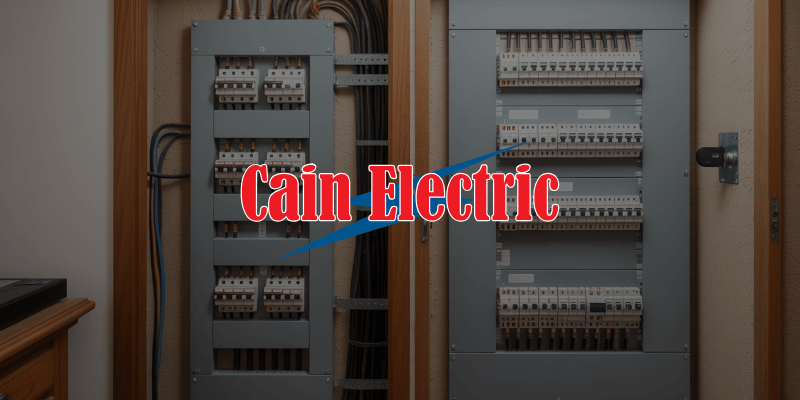
Panel Capacity Check
If your home office is part of a larger renovation or if you have added other high-demand equipment like EV chargers or finished basements, your overall service capacity may be strained.
Homeowners in Gray Summit and surrounding areas sometimes discover their 100 amp service is nearing its limit once new circuits are added.
Evaluating service capacity early prevents recurring breaker issues.
Heating and Cooling Considerations
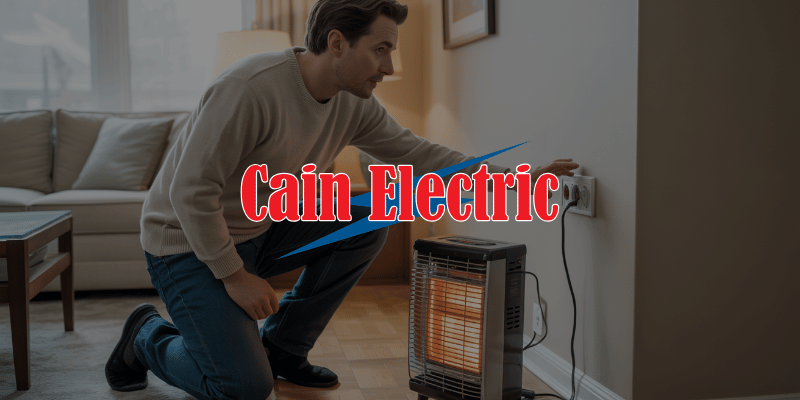
Many home offices include portable heaters in winter or window AC units in summer.
These devices draw significant power.
Running a space heater on the same circuit as office electronics can overload the circuit quickly.
Installing a properly sized circuit eliminates that risk.
Planning for Long-Term Use
Home offices are no longer temporary setups.
When upgrading, think long term.
You may eventually add:
- Additional monitors
- Higher-powered computers
- Backup power systems
- Additional lighting
Installing adequate circuits and surge protection now prevents future disruption.
Avoiding DIY Electrical Changes
It may be tempting to:
- Replace breakers yourself
- Add outlets without permits
- Rely heavily on extension cords
Electrical upgrades behind walls should be performed correctly and inspected.
Improper modifications can create hidden hazards.
The Right Way to Upgrade
A professional electrician will:
- Evaluate existing circuits
- Perform a load calculation
- Install dedicated circuits where needed
- Upgrade outlets
- Recommend surge protection
- Ensure code compliance
Every home office is different, but the goal is the same:
Stable, reliable power.
If you live in Pacific, Gray Summit, Union, Eureka, or nearby Franklin County communities and are building or upgrading a home office, Cain Electric can evaluate your system and recommend safe improvements.
Schedule a consultation here:
https://www.cainelectricstl.com/contact/
Your home office should support productivity, not interrupt it. Proper electrical upgrades make that possible.